Edit: Updated to fix a problem when there are spaces in the path where Console2.exe is.
I decided I would get this idea working again, when I did, it fell short a few times. I needed a few extra features:
- Elevated Powershell Console
- x64 Console
- I wanted it to work without adding anything to the %path% environmental variable
The goal
win + `
=
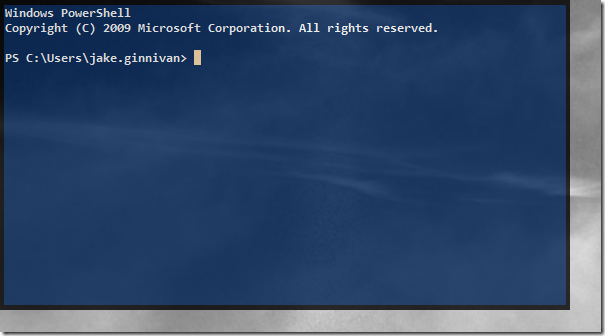
What you need
- Console2 x64
- Elevate.exe, c version (Blog Post)
- or Elevate.exe, c# version (Blog Post)
- AutoHotKey script, Console.xml config file, and launch.cmd
- AutoHotKey
Instructions
- Download and install AutoHotKey (while you are at it, grab the autocorrect script here
- Download and extract Console2 x64 to a folder.
- Extract my script file into the same folder
- Make sure all files are unblocked (right click, properties, unblock if they are).
- Create a shortcut to QuakeMode.ahk in the Startup folder in the start menu
How to use
Press the windows key + ` (tilde, above tab) to activate the console. You will see a few command windows run, and you will be prompted to put in your password (or press yes) to elevate the process. If you have UAC disabled, turn it back on :P